Chơi Scratch Emulator
Loading Game...
Scratch Emulator
Về trò chơi này
Unlock the world of programming with Scratch Emulator, an innovative browser game that transforms coding into a playful, visual adventure. Using a drag-and-drop interface, you assemble colorful blocks to create scripts, animations, and interactive stories. This isn't just a game—it's a powerful educational tool that teaches logic, sequencing, and problem-solving. Perfect for beginners and seasoned coders alike, it mirrors the popular Scratch language but adds unique game-like challenges to keep you engaged.
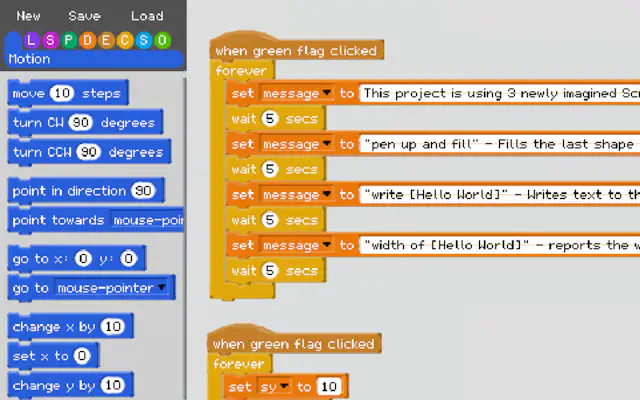
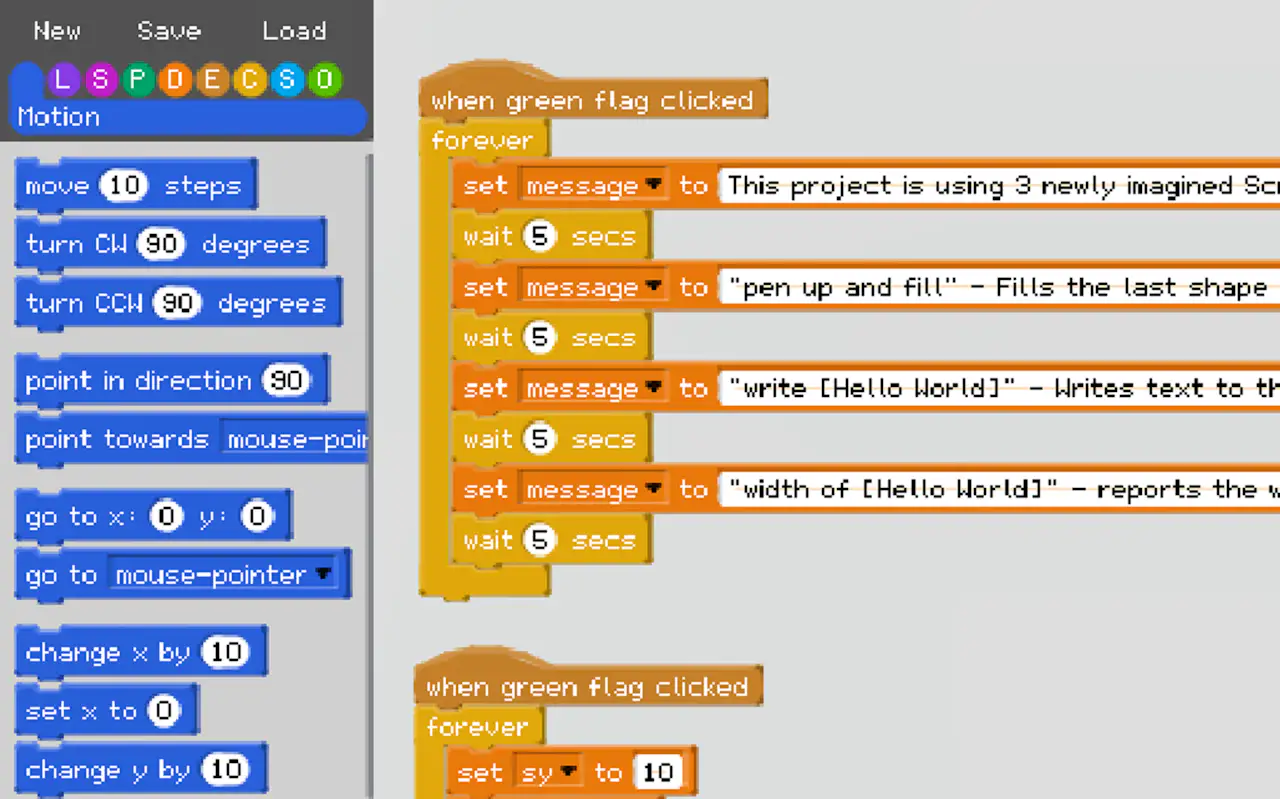
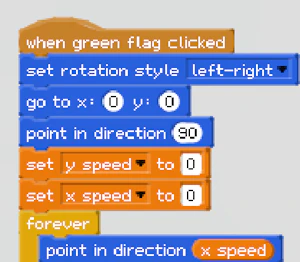
The core experience of Scratch Emulator is building projects. You start with simple tasks—like making a sprite move—then progress to complex creations, such as interactive quizzes or mini-games. The interface is clean and intuitive: a palette of command blocks categories (motion, looks, sound, events, control, sensing) that snap together like puzzle pieces. Each block is color-coded for easy identification. As you build, you can test your code instantly, seeing how your logic unfolds. The game rewards creativity with badges and unlocks new blocks as you master each concept.
What sets Scratch Emulator apart from other coding games is its focus on storytelling. You're not just learning syntax; you're crafting narratives. For example, you can program a character to tell a story, react to mouse clicks, or even simulate physics. The game includes a library of sprites and sounds, but you can also upload your own. It's a sandbox where imagination is the only limit. The learning curve is gentle, with built-in tutorials that guide you through each step. For teachers and parents, this is an excellent resource to introduce STEM education in a fun way. Advanced users can explore variables, loops, and conditional statements for deeper challenges.
For anyone interested in interactive learning tools or programming simulators, Scratch Emulator is a goldmine. It bridges the gap between play and education seamlessly. You can share your projects with the community, getting feedback and inspiration. The game is optimized for performance in any modern browser, ensuring smooth dragging and dropping. Tips: start with the "Events" and "Motion" categories to make your first sprite dance. Use the "Sound" block to add effects and make your project pop. Whether you're a kid or an adult, this game will ignite your creative coding passion. Dive in, build something amazing, and see why Scratch Emulator is a top choice for game-based learning.