Play Farm Animals Coloring Book for Kids
Loading Game...
Farm Animals Coloring Book for Kids
About This Game
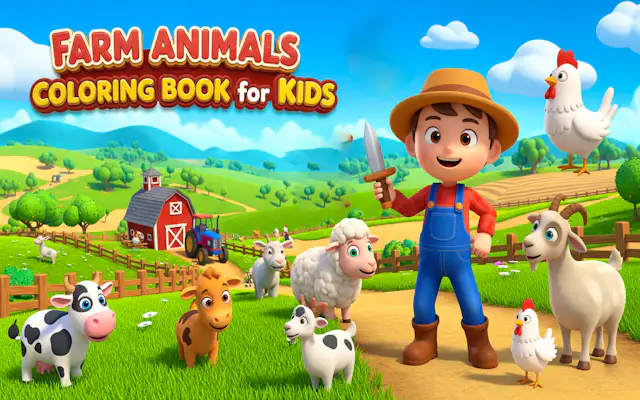
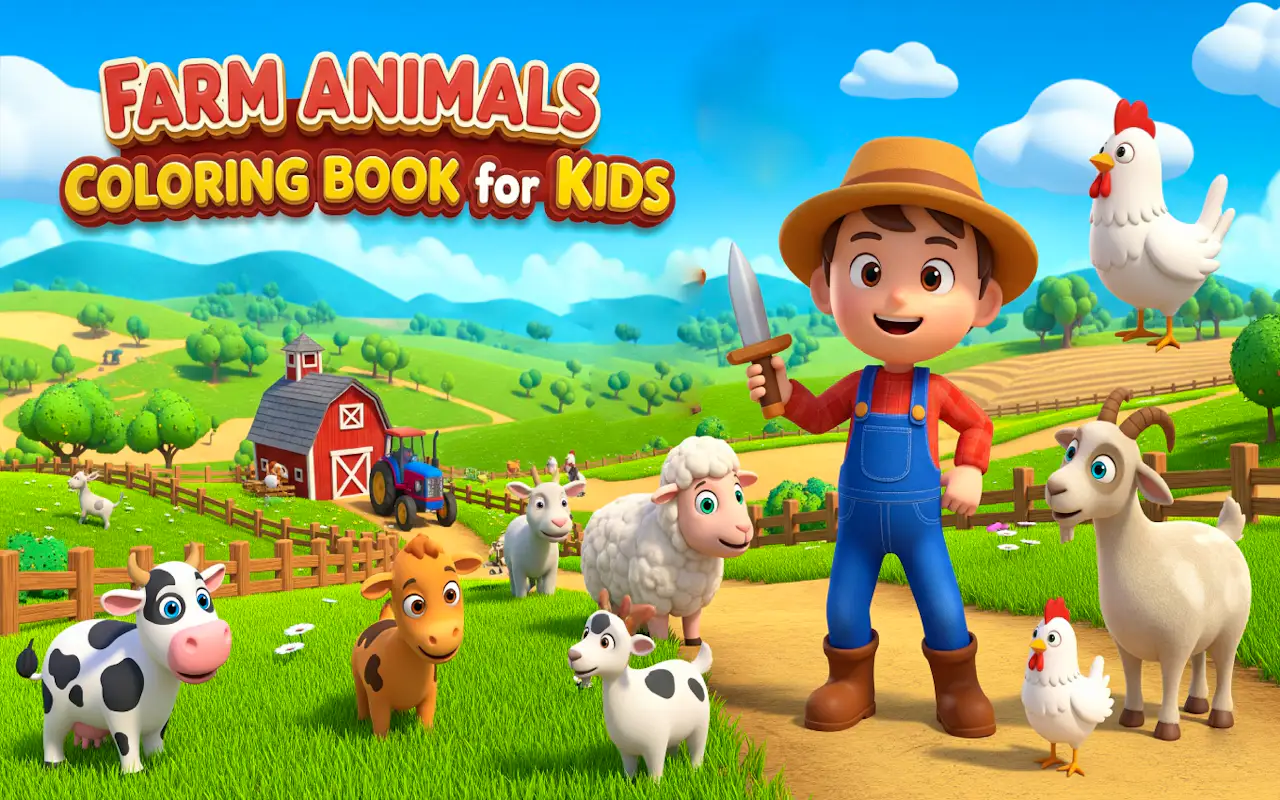
Embark on a colorful journey of imagination with Farm Animals Coloring Book for Kids, a delightful digital coloring experience designed to spark creativity in young minds. This interactive game transforms the timeless joy of coloring into an engaging, mess-free activity that children can enjoy on any browser or device. Featuring charming farm scenes populated by friendly cows, cheerful chickens, fluffy sheep, and playful pigs, every page is a new canvas waiting to be brought to life with a rainbow of hues.
The user interface is built with children in mind: large, easy-to-tap buttons and a simple color palette that encourages exploration without frustration. Kids can choose from dozens of bright, vibrant colors and use a virtual paintbrush or fill tool to apply them to detailed outlines. The game supports both precision coloring for older children and a 'tap to fill' mode for younger ones, ensuring that kids of all skill levels can create beautiful artwork. There are no timers or scores—just pure, open-ended creative expression. The calming background music and gentle sound effects create a peaceful environment that helps children relax and focus.
Beyond entertainment, Farm Animals Coloring Book for Kids offers developmental benefits. It helps improve hand-eye coordination, color recognition, and fine motor skills. The farm theme also introduces young children to animals and the rural world in a fun, cognitive way. The game saves completed artworks to a virtual gallery, allowing kids to show off their masterpieces to family and friends—a feature that builds confidence and pride. With dozens of scenes to color and the ability to start over at any time, this game provides endless replay value. Perfect for quiet time, car rides, or a peaceful afternoon, it's a safe, ad-free digital playground that parents can trust and kids will adore.
- Core Gameplay: Digital coloring book with farm animal illustrations and easy-to-use tools.
- Controls: Tap to select color, then tap to fill or drag to paint.
- Tips: Encourage kids to experiment with color combinations; the 'undo' button helps fix mistakes easily.